

Developers
3

Adding a company logo
Step 1: In the User Menu, click on Settings > Company Settings. In the Company Info Tab, you can upload your company logo, then click Save. 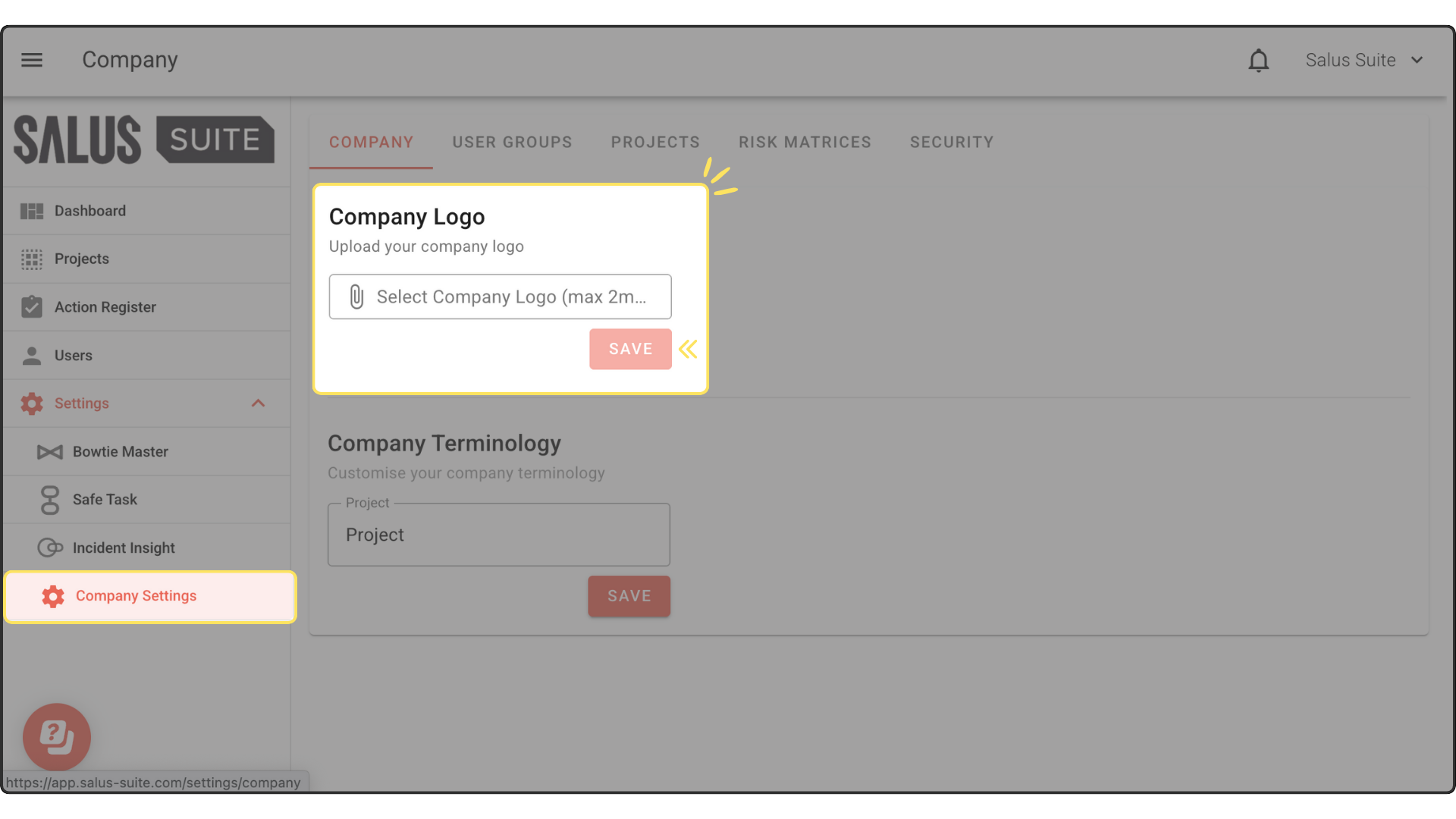
Step 1: In the User Menu, click on Settings > Company Settings. In the Company Info Tab, you can upload your company logo, then click Save.
Powered by BetterDocs


