Backup your Diagram
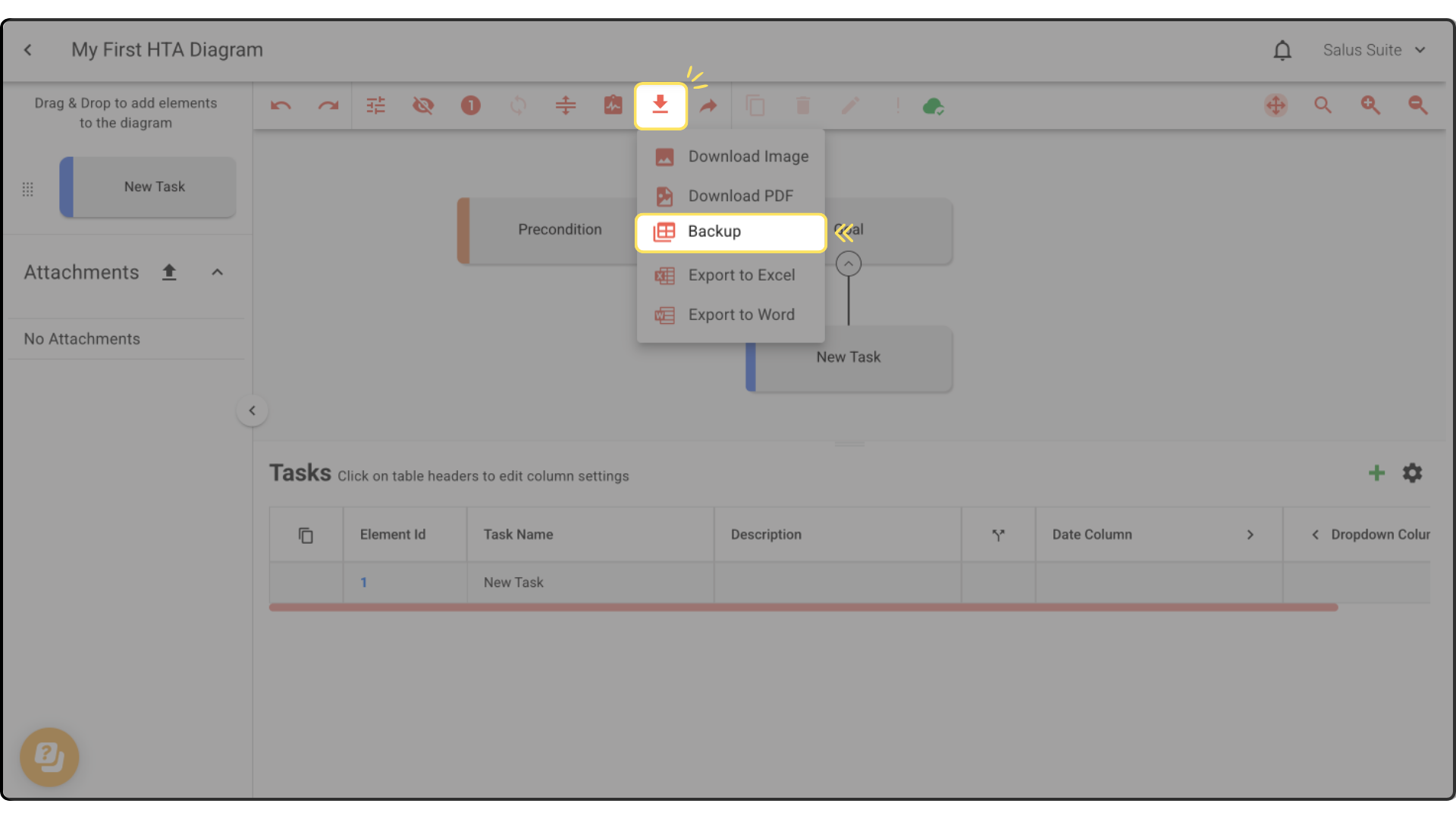
The backup feature contains only your raw data. It won’t look like much, but it can be used to store your data outside of Incident Insight. This file type can be re-uploaded into Safe Task by using the Import button in your project folder.
Step 1: Click on Download & Export, then select Backup. The details that make up your HTA diagram will be downloaded into an Excel file.