
Developers
3

Change Safe Task Settings
Safe Task lets you customise the metadata in your HTA diagram. In this guide, we’ll show you how to add settings (aka metadata).
Add new setting
Step 1: Go to Settings > Safe Task > Settings.
Step 2: Click + Setting. 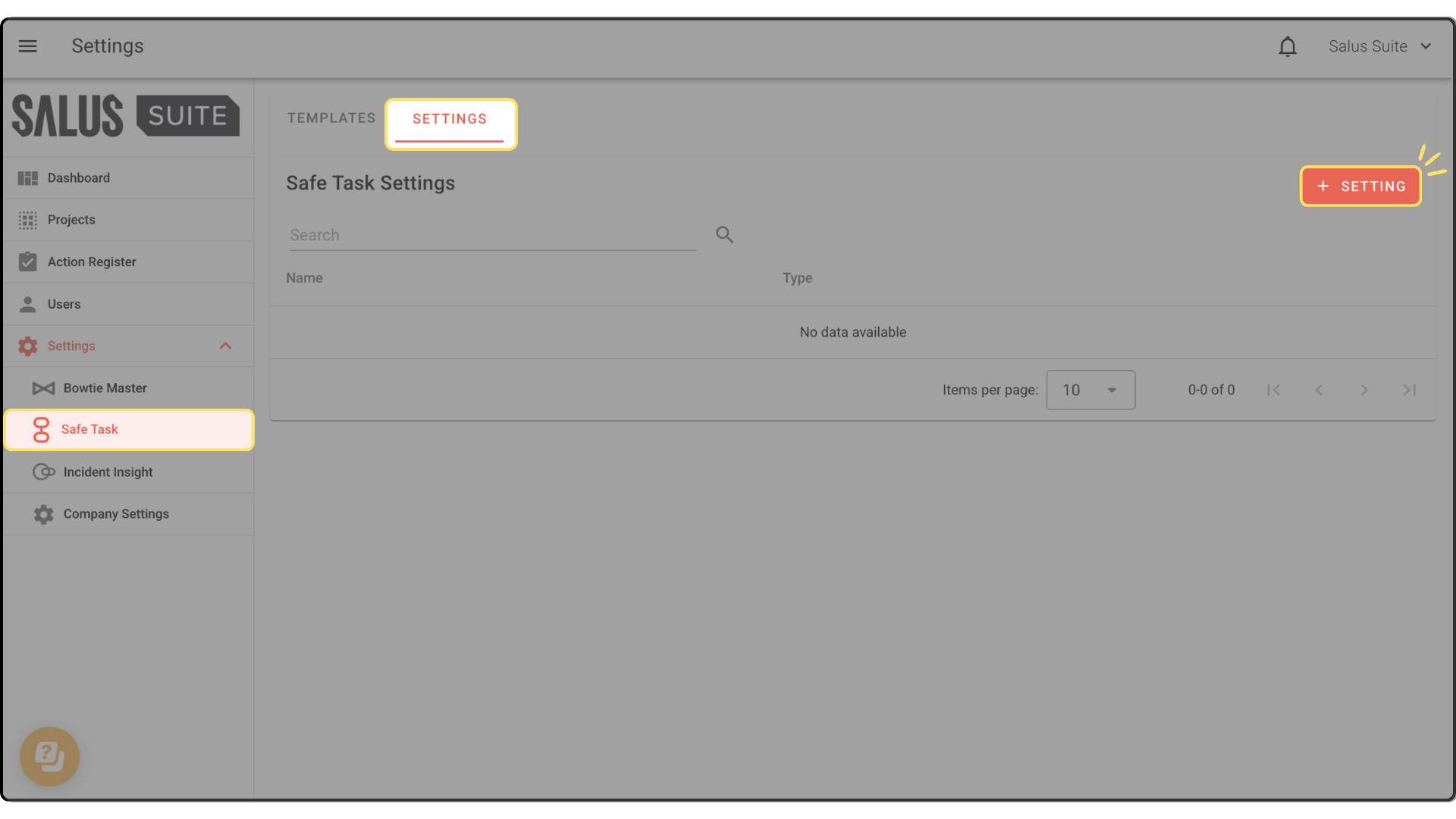
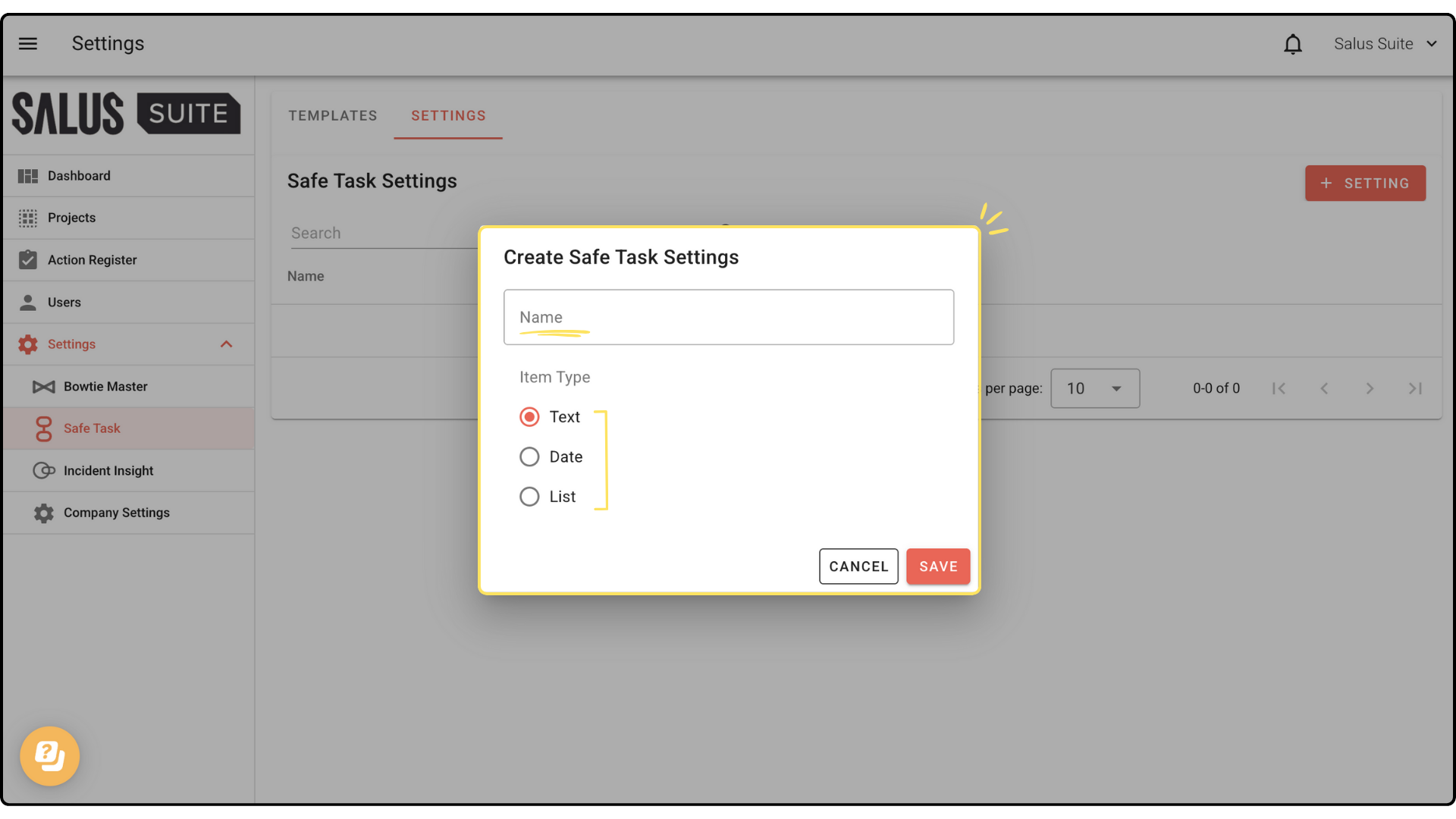
Step 3: Enter a name for your Metadata. Then, select the metadata type (Text, Date, or List). Click Save.